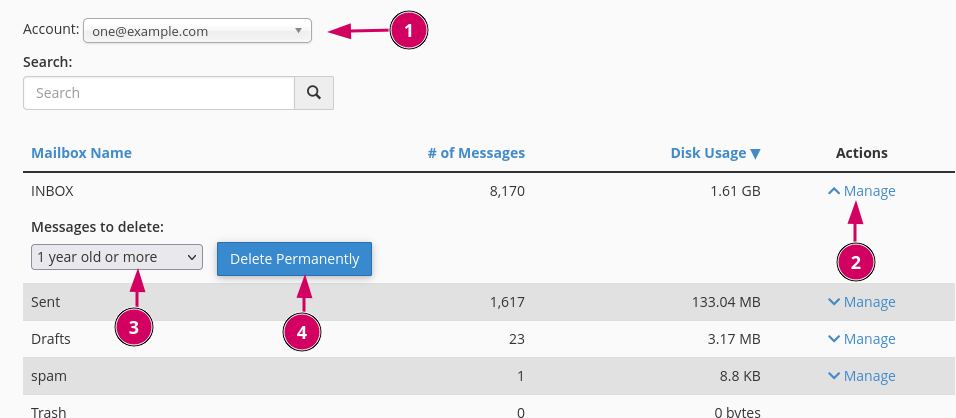
Users can delete emails by manually deleting them through the Webmail. Alternatively, the Email Disk Usage module in cPanel has available options to purge based on pre-defined or custom conditions.
- Log into your cPanel account.
- Under Email, click Email Disk Usage.
- On this page, select the mailbox account and click Manage, choose a condition from the dropdown then click the Delete Permanently button.